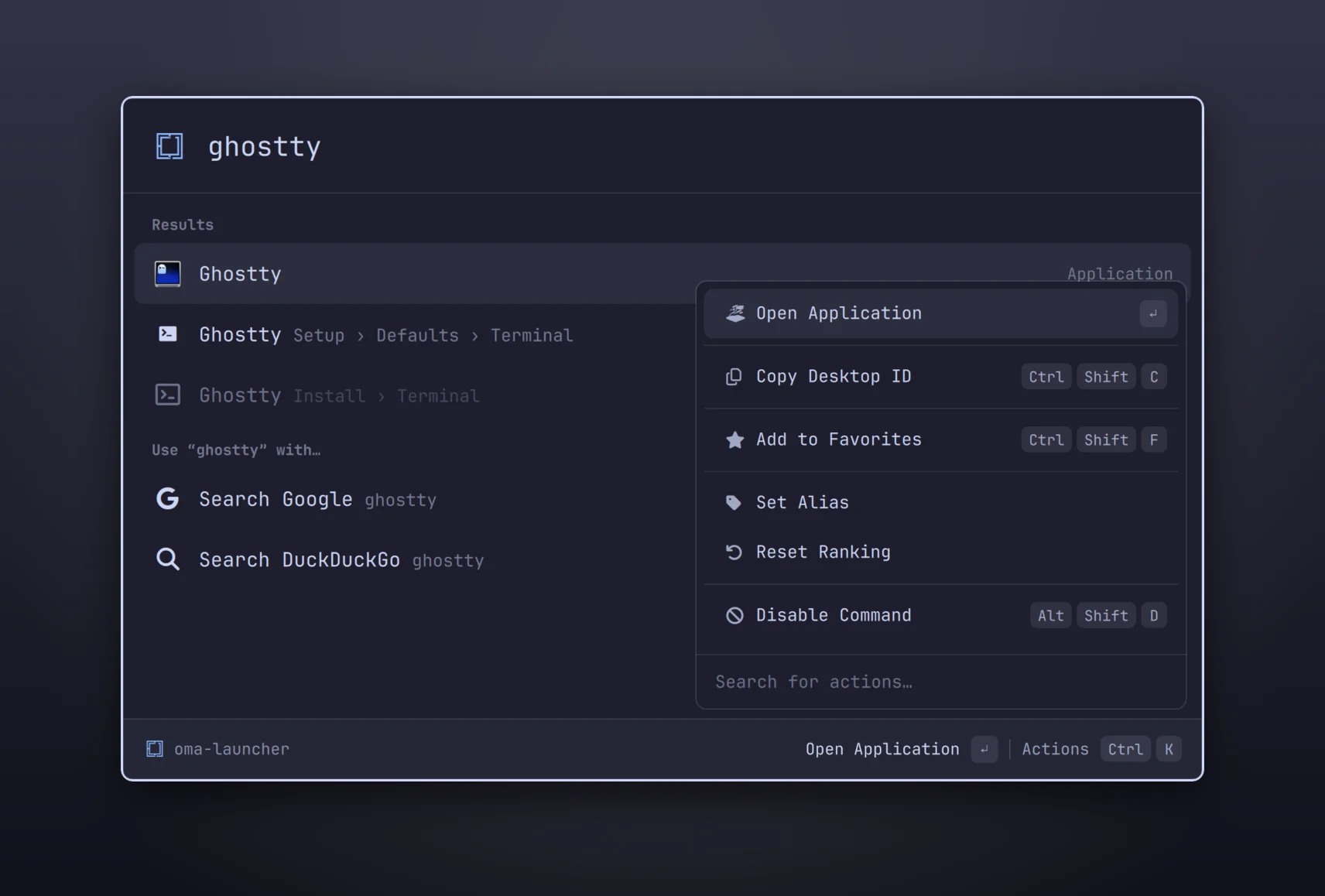
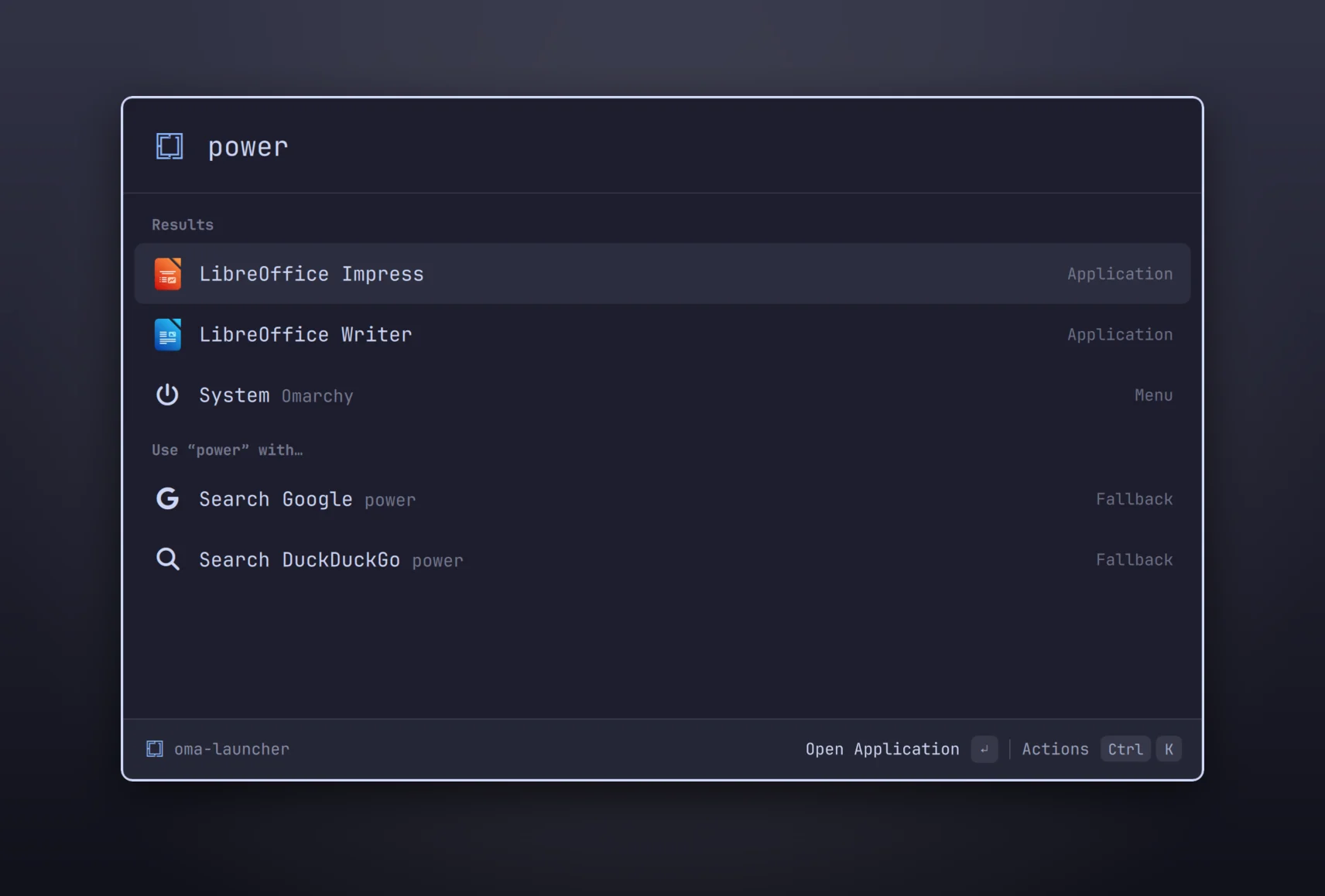
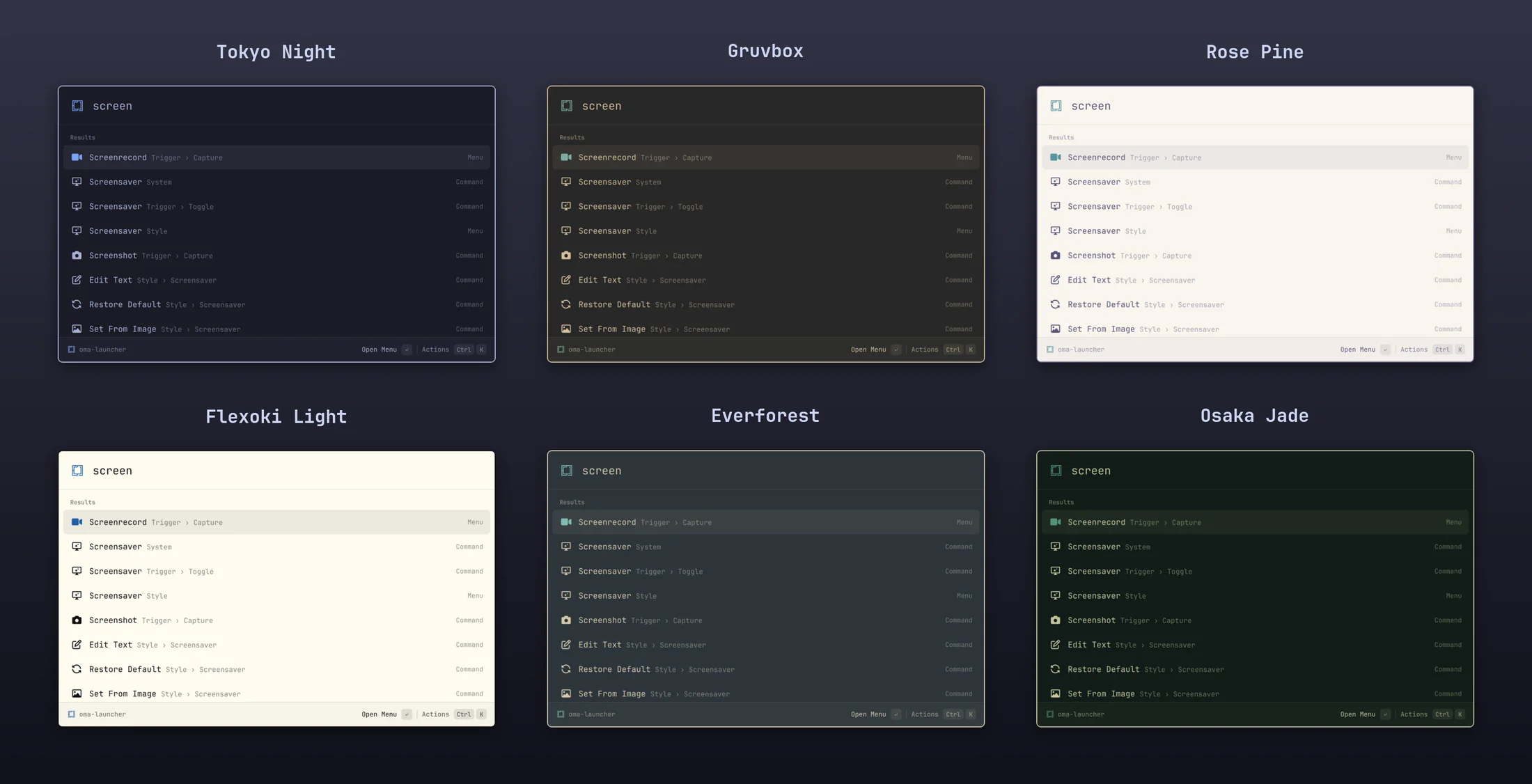
omacast is a Raycast-style launcher that runs inside Omarchy. It learns what you use, searches your apps and every Omarchy action, does the math, keeps your clipboard, and wears your theme.
Then press Alt + Space. Super + Space stays the Omarchy menu.
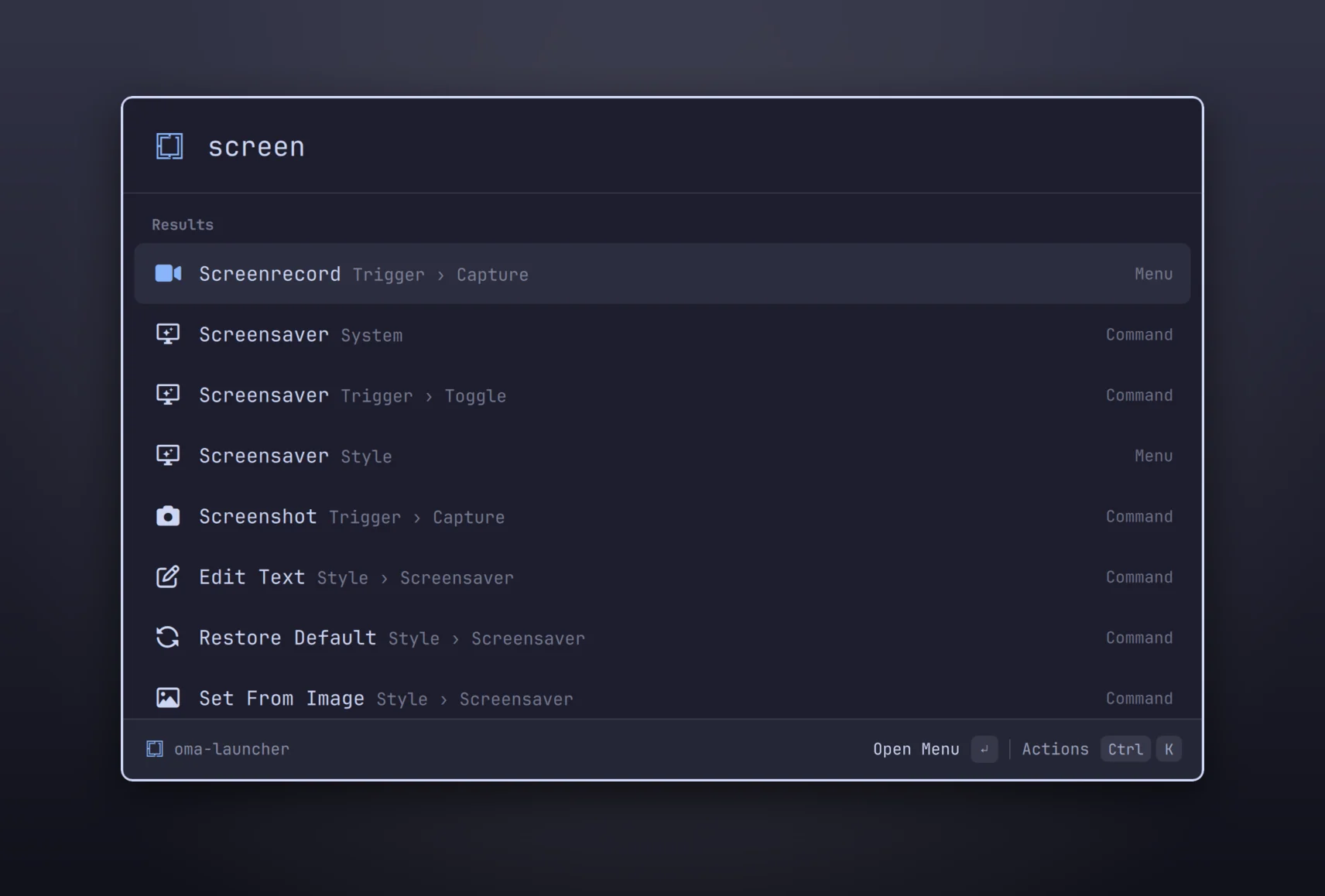
This is omacast itself, running in your browser.
omacast runs inside omarchy-shell, the shell that draws Omarchy's own bar and menus. No Electron, no Node, no daemons, no extra packages.
Results are ranked by a faithful port of Raycast's root-search algorithm, plus frecency and learned search terms. Type ff, pick Firefox, and ff keeps meaning Firefox.
Your apps, all ~400 Omarchy menu actions with breadcrumbs and live ✓ state, the calculator, and web-search fallbacks, in one ranked list.
The hotkey goes straight to the plugin with no process to start, and the window stays ready while hidden, so opening it is a single redraw.
There's no theme config. omacast uses Omarchy's own colours and changes the moment you run omarchy theme set. Under Glassy Windows it turns see-through and blurred, like the rest of Omarchy.
↵ on an app jumps to its open window, switching workspace and restoring it from the dock. It even recognises web apps. Shift ↵ opens a new one.
No account, no telemetry, never contacts Raycast. Histories live in owner-only files, and nothing you type ends up on a command line. The one network request, exchange rates, can be turned off.
An optional search helper, built on your machine from source, matches titles, alternate names and keywords even with transposed or missing letters.
A Ctrl K action panel on every result, quick picks, section jumps, search history, and emacs or vim-style movement. The mouse is optional.
Give anything an alias, pin and reorder favorites, hide commands you never use, and switch to a compact window that shows only the search bar until you type.
Each one is a search away, and the big ones get their own hotkey through a Hyprland global shortcut.
Everything you copy (text, links, colours, files and images), with the app it came from and how often you copied it.
An 8-column grid of every Unicode 17 emoji, searchable by name and by Omarchy's emoji keywords.
All your Omarchy themes with a preview of each beside the list. ↵ applies it, and omacast changes with it.
Type math, units, currencies, dates or time zones straight into the search bar. Every answer you copy or paste is saved to a searchable history.
Every Omarchy menu action is searchable from the root, with breadcrumbs like Appearance › Windows. Submenus open in place, live state shows as ✓, and hidden items stay hidden.
No match? Send the query to Google or DuckDuckGo. Both also take a query in an argument pill: Tab into it and type.
A calculator built into the search bar, with its own engine and no extra dependencies. Answers show above the results as you type.
$30 + 20%, 20% off 50, 50 as a % of 2005 ft 3 in, and CSS px / rem3 days from now, days until christmas, 3pm london to nyc↵ copies the answer, Ctrl ↵ pastes it, Ctrl Shift C copies “question = answer”.


Every action has a shortcut, and Ctrl K lists the ones for the selected result.
Emacs-style Ctrl N / Ctrl P by default, or switch to vim motions (Ctrl J / Ctrl K, with the action panel on Alt K).
Preferences live in a JSON file that applies the moment you save it, and the omacast CLI does the rest, including a doctor that tells you what's wrong.
{
"currencyRates": true, // the only network request
"clockFormat": "auto", // or "12h" / "24h"
"remToPxRate": 16,
"workHoursPerDay": 8,
"rootFilter": true,
"keepVisibleOnFocusLoss": false,
"clipboardHistory": true,
"clipboardHistoryDuration": "P1W"
}
$ omacast call settings.updateGeneralSettings \ '{"navigationBindings":"vim-motions"}' $ omacast run builtin:emoji-picker $ omacast doctor omacast doctor ok omarchy-shell is running ok plugin answers IPC ok backend answers system.healthPing ok no QML errors in the shell log ok hotkey file ~/.config/hypr/omacast.lua
omacast is built in phases. Search, ranking and the Omarchy integration are done; here's what's next.
omacast:// URLs.rayconfig from macOSNeeds Omarchy 4 (Hyprland 0.56+). omacast uses only what Omarchy already ships: no new packages, no background services. It's also on the Omarchy plugin marketplace.
omarchy plugin add https://github.com/typecraft-dev/oma-cast --enable
~/.config/omarchy/plugins/typecraft.omacast/bin/omacast install
Shows what it will change and asks first. It never edits Omarchy's own files.
omacast setup hyprland
omacast doctor
Update with omarchy plugin update typecraft.omacast. Remove with omacast uninstall; your data stays until you delete it.